
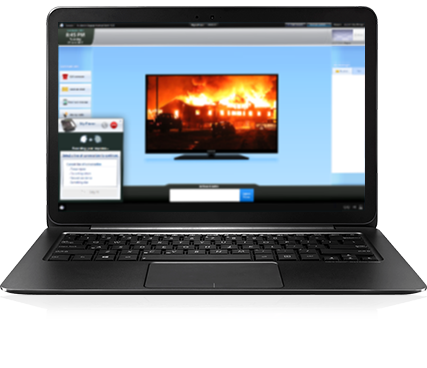
To get started using Aerodrome-X, you need to download a small file and run it. This will allow you to use Aerodrome-X on your computer and will ensure your computer is always kept up to date with the latest software versions.
Once the download has finished, run AerodromeXLauncherSetup.exe to get started.
Aerodrome-X Launcher is the app you use to connect to an Aerodrome-X Server or Aerodrome-X cloud account.
Each machine you want to be involved in your exercises will need to run launcher and connect to the same server or cloud account.
The launcher app connects to your account and automatically downloads any required software updates to keep you current.
When you run the installer for Aerodrome-X Launcher, it will automatically run so you can get started right away.
You only need to install Aerodrome-X Launcher using the above download link one time.
After installation, Aerodrome-X Launcher will be available as a shortcut in your Windows start menu.